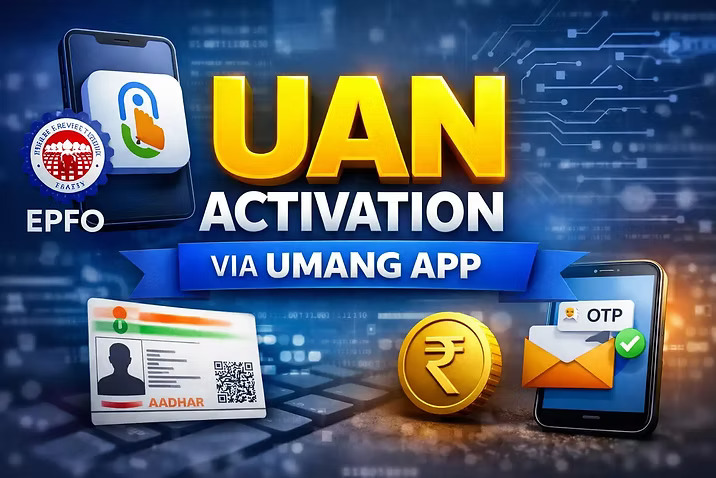
Activating your Universal Account Number is essential for managing your Provident Fund account. It works much like enabling net banking for a bank account. Without activation, you cannot access your PF balance, check your passbook, or make withdrawal requests.
In a recent update, the Employees’ Provident Fund Organisation has effectively shifted the UAN activation process to the UMANG App. While the activation option may still appear on the EPFO Member Portal, clicking on it redirects users to the UMANG app, making it the primary platform for this process.
UAN Activation Not Functional on EPFO Website
Earlier, users could activate their UAN directly through the EPFO website. However, this is no longer the case. Although the option is visible on the portal, it does not initiate the process. Instead, users are guided to complete activation through the UMANG app.
This change is part of a broader effort to streamline services and encourage the use of a centralized government platform for multiple services.
Why Activating Your UAN Is Important
Activating your UAN is necessary to access and manage your PF account. Without activation, you cannot view your monthly PF contributions or check your passbook details.
An active UAN is also required when you want to withdraw funds after leaving a job. It plays a key role when transferring your PF balance from one employer to another.
Additionally, activation allows you to update important details such as your Aadhaar, PAN, and bank account information. Once activated, your mobile number is also registered with your PF account, improving security and communication.
Details Required for UAN Activation
To activate your UAN through the UMANG app, you need a few basic details. These include your UAN number, Aadhaar number, and a mobile number that is linked with your Aadhaar. Keeping these details ready will ensure a smooth process.
Step-by-Step Process to Activate UAN on UMANG App
Start by opening the UMANG app on your smartphone. After logging in, go to the EPFO services section available within the app.
Select the UAN Activation option and enter the required details, including your Aadhaar number, mobile number, and UAN. Once submitted, you will receive a one-time password on your registered mobile number.
Enter the OTP and follow the instructions displayed on the screen. After verification, your UAN will be successfully activated.
Conclusion
The shift of UAN activation to the UMANG app marks an important change in how EPFO services are accessed. Users should avoid relying on the website for activation and instead use the app for a faster and more reliable experience. Activating your UAN ensures complete access to your PF account and helps you manage your funds efficiently.