by Jobuza Team | Oct 22, 2026 | BLOG, Latest Jobs, Trending News
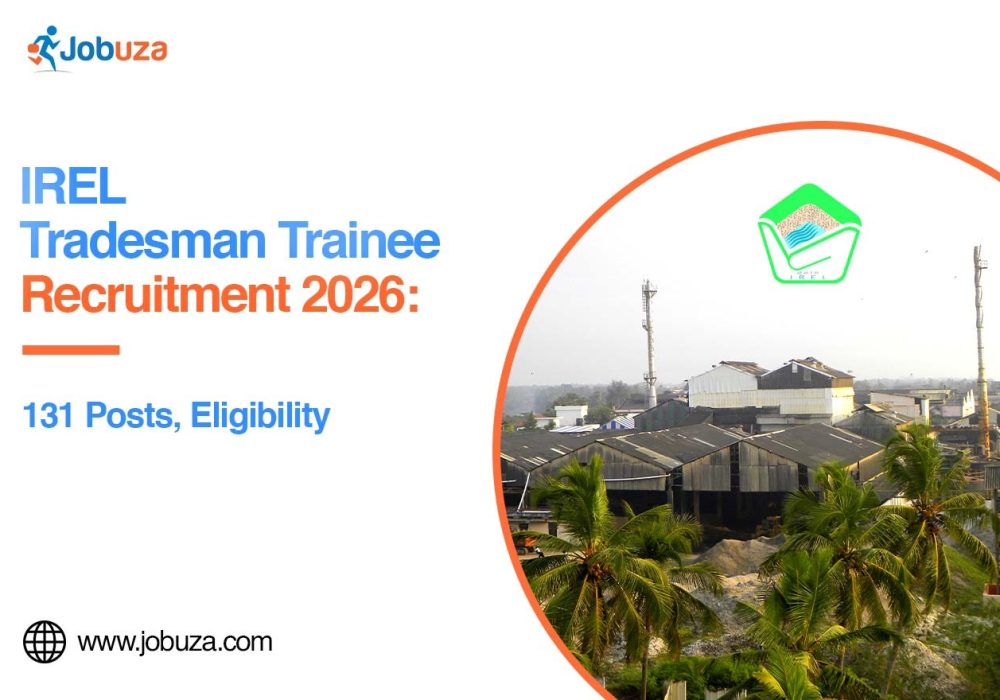
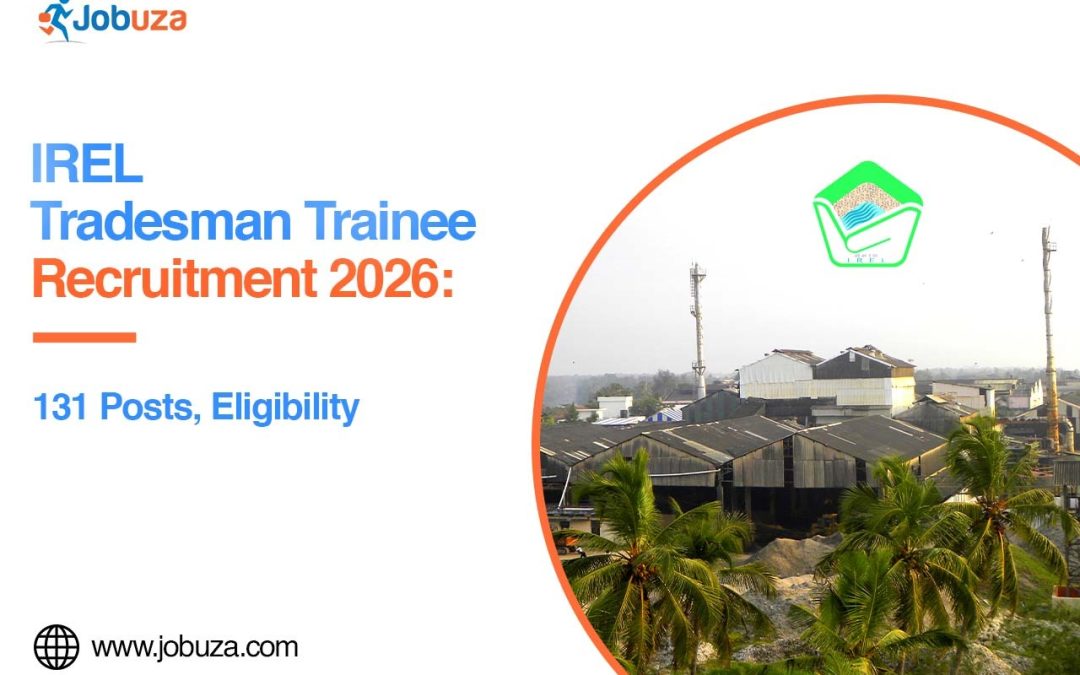
IREL (India) Limited has announced 131 Tradesman Trainee vacancies across four trades: Fitter, Electrician, Instrumentation, and Attendant Operator Chemical Plant (AOCP). The recruitment is for eligible candidates with relevant ITI or National Apprenticeship Certificate (NAC) qualifications and the required work experience.
IREL is a Government of India undertaking under the Department of Atomic Energy. The vacancies are spread across its units in Odisha, Kerala, Tamil Nadu, Andhra Pradesh and Madhya Pradesh.
The detailed advertisement is available on the official website. However, IREL has stated that the online application link will be activated on a revised date because of a technical issue. Candidates should check the official Careers page for the updated application schedule before attempting to apply.
IREL Tradesman Trainee Recruitment 2026: Overview
| Particulars |
Details |
| Organisation |
IREL (India) Limited |
| Post Name |
Tradesman Trainee |
| Advertisement Number |
CO/HRM/36/2026 |
| Total Vacancies |
131 |
| Trades |
Fitter, Electrician, Instrumentation, AOCP |
| Qualification |
Relevant ITI/NAC or prescribed AOCP alternative |
| Required Experience |
Generally 2 years in the relevant field |
| Application Mode |
Online |
| Original Closing Date |
November 9, 2026; revised schedule awaited |
| Training Period |
1 year |
| Official Website |
irel.co.in/careers |
IREL Tradesman Trainee Vacancy 2026: Trade-Wise Posts
IREL has announced 131 vacancies across four trades. Fitter accounts for the largest share of the available positions.
| Post Name |
Vacancies |
| Tradesman Trainee – Fitter |
93 |
| Tradesman Trainee – Electrician |
12 |
| Tradesman Trainee – Instrumentation |
6 |
| Tradesman Trainee – Attendant Operator Chemical Plant |
20 |
| Total |
131 |
Candidates should review the detailed advertisement for the unit-wise vacancy distribution and reservation applicable to their preferred trade. Applicants can choose only one unit/location and one trade or discipline under the advertised recruitment rules.
IREL Recruitment 2026: Important Dates
The original recruitment advertisement listed November 9, 2026, as the application deadline. However, the official Careers page now says the application link will go live on a revised date due to a technical issue.
| Event |
Date/Status |
| Detailed advertisement |
Available on the official website |
| Original application start date |
To be confirmed against the revised schedule |
| Original last date |
November 9, 2026 |
| Revised application schedule |
Awaiting official update |
| CBT date |
To be announced |
Important: Do not rely solely on the original dates circulated by recruitment websites. Check the official IREL Careers page for the latest notice before applying.
IREL Tradesman Trainee Eligibility Criteria 2026
Candidates must meet the prescribed educational qualification, experience, and age requirements for their chosen trade.
Educational Qualification and Experience
- Tradesman Trainee – Fitter
Candidates must have an ITI or National Apprenticeship Certificate (NAC) in the Fitter trade, along with two years of relevant experience in an industrial establishment. Eligible apprenticeship training may count towards the experience requirement.
- Tradesman Trainee – Electrician
Applicants need an ITI or NAC in the Electrician trade, a valid statutory licence, and two years of relevant experience.
- Tradesman Trainee – Instrumentation
Candidates must possess an ITI or NAC in Instrumentation and two years of experience in the relevant trade or discipline.
- Tradesman Trainee – Attendant Operator Chemical Plant (AOCP)
Candidates can qualify with an ITI or NAC in AOCP. The advertisement also permits the prescribed Class 12 Science qualification with Chemistry as a subject and at least 50% aggregate marks. Two years of relevant experience in chemical or allied process industries is required.
The advertisement states that eligible apprenticeship training under the Apprenticeship Act, 1961, can be counted towards post-qualification experience. Candidates should check the official document for full conditions and accepted qualifications.
Age Limit
The general upper age limit is 35 years, calculated on the closing date specified in the recruitment notice. Age relaxation is available for eligible categories according to the rules.
| Category |
Age Relaxation |
| General/EWS |
No relaxation |
| OBC (Non-Creamy Layer) |
3 years |
| SC/ST |
5 years |
| PwBD candidates |
As prescribed in the notification |
| Ex-servicemen and eligible employees |
As per applicable rules |
Candidates should refer to the detailed advertisement for all relaxation conditions. The maximum age after applicable relaxations is subject to the limit specified by IREL.
IREL Tradesman Trainee Salary 2026
Selected candidates will undergo one year of training and receive a consolidated stipend of ₹34,200 per month during this period.
After successful completion of training, candidates may be absorbed into the regular Tradesman post in W-3 grade, with a pay scale of ₹22,000–₹88,000. The advertisement also mentions an approximate annual cost to company (CTC) of ₹6.5 lakh after absorption, depending on the place of posting and applicable allowances.
Additional benefits may include dearness allowance, house rent allowance where applicable, medical facilities, and other benefits under company rules. Regular absorption is subject to the terms specified in the official advertisement.
IREL Recruitment 2026: Application Fee
The advertisement specifies an application fee structure with a processing fee. The reported amounts are:
| Category |
Fee |
| General/EWS/OBC-NCL |
₹826 |
| SC/ST/PwBD/Ex-servicemen/Women/IREL internal candidates |
₹354 processing fee |
Candidates should confirm the amount shown in the official application portal once the link becomes available. The processing fee is reported as non-refundable.
IREL Tradesman Trainee Selection Process 2026
The selection process consists of a Computer-Based Test (CBT), followed by a qualifying skill test where applicable.
Computer-Based Test
The examination is described as a two-hour objective test with two sections:
- Section I: 100 questions on professional knowledge in the relevant trade.
- Section II: 50 questions covering general knowledge, logical reasoning, numerical ability, and English.
Each correct answer carries one mark, and the advertisement states there is no negative marking for incorrect answers. Candidates must meet the qualifying marks specified for their category.
Skill Test and Document Verification
Candidates who qualify in the CBT may be shortlisted for a trade test or computer proficiency test, depending on the post. The skill test is qualifying in nature, and final merit is based on CBT marks among candidates who qualify in the required stages. Document verification and medical fitness checks also apply as prescribed by IREL.
How to Apply for IREL Tradesman Trainee Recruitment 2026
The online application link is currently awaiting activation on a revised date. Once IREL makes it available, eligible candidates can follow these steps:
- Visit the official IREL Careers page.
- Find Advertisement No. CO/HRM/36/2026 for Tradesman Trainees.
- Read the detailed advertisement and check the requirements for your trade.
- Open the application link when it becomes active.
- Register and enter the required personal, educational, and work-experience details.
- Upload the required photograph, signature, and supporting certificates.
- Pay the applicable fee or processing charge.
- Review the application and submit it according to the updated schedule.
- Save a copy of the application and payment receipt for future reference.
Applicants should choose their trade and preferred unit carefully because the advertisement restricts candidates to one trade and one location/unit. Candidates should also be prepared to serve at other IREL units or project sites if transferred under the company’s rules.
Final verdict
IREL Tradesman Trainee Recruitment 2026 offers 131 technical vacancies for eligible candidates with the required trade qualifications and experience. Fitter has the highest number of openings, followed by AOCP, Electrician, and Instrumentation. Candidates should carefully review the age limit, experience conditions, salary, and selection procedure before applying. Since IREL has announced a revised date for activating the online application link, check the official Careers page regularly for the latest application schedule and instructions.
FAQs
- How many vacancies are available in IREL Tradesman Trainee Recruitment 2026?
IREL has announced 131 vacancies across Fitter, Electrician, Instrumentation, and AOCP trades.
- What is the qualification required for IREL Tradesman Trainee posts?
Candidates generally need an ITI or NAC in the relevant trade and two years of relevant experience. AOCP applicants may also qualify through the prescribed Class 12 Science route.
- What is the age limit for IREL Tradesman Trainee Recruitment?
The general upper age limit is 35 years, with applicable relaxation for eligible categories.
- What is the stipend during training?
Selected trainees will receive ₹34,200 per month during the one-year training period, according to the advertisement.
- What is the last date to apply?
The original closing date was November 9, 2026. However, IREL has announced that the application link will be activated on a revised date. Candidates should check the official website for the updated schedule.
by Jobuza Team | Oct 22, 2026 | BLOG, Latest Jobs, Trending News
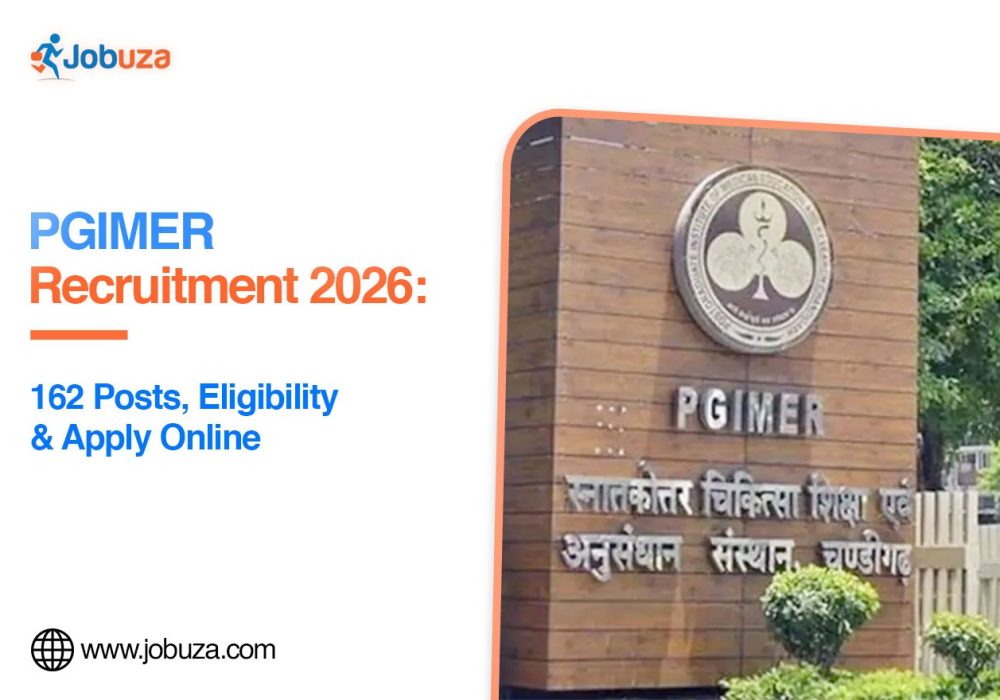
The Postgraduate Institute of Medical Education and Research (PGIMER), Chandigarh, has announced recruitment for 162 positions, including Senior Residents, Junior and Senior Demonstrators, and Senior Medical Officers. The positions are available at PGIMER Chandigarh and its Satellite Centre in Sangrur, Punjab.
Candidates with the prescribed medical, postgraduate, or other relevant qualifications can check their eligibility and apply via the official recruitment portal. The application period runs from October 16 to November 13, 2026. The Computer-Based Test (CBT) is scheduled for December 5, 2026. Applicants should read the detailed advertisement carefully, as educational qualifications, experience requirements, and other conditions vary by post and department.
PGIMER Recruitment 2026: Overview
| Particulars |
Details |
| Organisation |
Postgraduate Institute of Medical Education and Research |
| Recruitment Name |
PGIMER Recruitment 2026 |
| Advertisement Number |
PGI/RC/056/2026/2690 |
| Total Vacancies |
162 |
| Posts |
Senior Resident, Demonstrator, Senior Medical Officer, and others |
| Job Locations |
Chandigarh and Sangrur, Punjab |
| Application Mode |
Online |
| Application Start Date |
October 16, 2026 |
| Last Date to Apply |
November 13, 2026 |
| CBT Date |
December 5, 2026 |
| Official Website |
pgimer.edu.in |
PGIMER Vacancy 2026: Post Details
The recruitment covers different medical and academic departments at PGIMER Chandigarh and the Sangrur Satellite Centre.
The main posts include:
- Senior Resident in various specialities
- Junior Demonstrator
- Senior Demonstrator
- Junior/Senior Demonstrator in relevant departments
- Senior Medical Officer
The total number of advertised vacancies is 162. The final post-wise and department-wise distribution should be checked in the official notification before candidates select a post or institute.
PGIMER Recruitment 2026: Important Dates
Candidates should note the following reported dates.
| Recruitment Event |
Date |
| Notification date |
October 16, 2026 |
| Online application begins |
October 16, 2026 |
| Last date to submit application |
November 13, 2026 |
| Admit card release |
November 30, 2026 |
| Computer-Based Test |
December 5, 2026 |
The examination and subsequent selection schedule should be confirmed through the official PGIMER website, as recruitment schedules may be revised.
PGIMER Recruitment 2026: Eligibility Criteria
The eligibility criteria depend on the post and the department for which a candidate applies. Applicants should check the prescribed qualifications, registration requirements, and experience conditions in the official advertisement.
Educational Qualification
The qualifications may include the following, depending on the post:
- Senior Resident: A recognised postgraduate medical qualification, such as MD/MS or an equivalent qualification in the relevant speciality. MDS may be required for applicable dental posts.
- Junior or Senior Demonstrator: The relevant postgraduate qualification, such as an MSc or another prescribed degree in the concerned subject. Certain departments may require additional qualifications or research experience.
- Senior Medical Officer: The prescribed medical degree, registration, and any additional experience or eligibility requirements specified in the notification.
These are general indications rather than a substitute for the official post-wise eligibility rules. Candidates must ensure that their degree, speciality, and registration status meet the requirements for their chosen position.
Age Limit
The maximum age limit has been reported as 45 years for the recruitment. However, the applicable age limit and relaxation provisions can vary according to the post and category.
Candidates belonging to reserved categories and other eligible groups should check the notification for the applicable relaxation rules and the date used to calculate age eligibility.
PGIMER Recruitment 2026: Application Fee
The reported application fee structure is as follows:
| Category |
Application Fee |
| General/OBC/EWS |
₹1,500 plus transaction charges |
| SC/ST |
₹800 plus transaction charges |
| Persons with Benchmark Disabilities (PwBD) |
No fee reported |
Candidates should verify the fee applicable to their category on the official application portal. Use only the payment methods permitted in the recruitment instructions and retain the transaction receipt.
PGIMER Recruitment 2026: Selection Process
The selection process is reported to include a Computer-Based Test followed by further assessment stages. Depending on the post, the process may involve:
- Computer-Based Test (CBT): Candidates appear for the prescribed examination.
- Document Verification: The institute checks educational qualifications, registration certificates, category certificates, and other required documents.
- Interview or Departmental Assessment: Shortlisted candidates may undergo an interview or assessment as specified for the post.
- Final Selection: The final selection is made according to the notified eligibility and selection rules.
Candidates should consult the detailed advertisement to understand the examination pattern, qualifying criteria, and how the final merit list will be prepared.
How to Apply for PGIMER Recruitment 2026
Eligible applicants can follow these general steps to submit their application online:
- Visit the official PGIMER website.
- Open the Recruitment section and find Advertisement No. PGI/RC/056/2026/2690.
- Read the notification carefully and select the relevant post and department.
- Complete the online registration using the required personal and contact details.
- Enter educational qualifications, medical registration details, and other information accurately.
- Upload the required photograph, signature,e and supporting documents in the prescribed format.
- Pay the applicable application fee through an accepted payment method.
- Review all entries before submitting the form.
- Download or print the submitted application and payment confirmation for future reference.
Candidates should check whether the recruitment permits applications for only one post or department and follow the institute’s instructions regarding institute preference. Incorrect details or incomplete documents may affect candidature.
Final words
PGIMER Recruitment 2026 offers an opportunity for eligible medical and postgraduate candidates to apply for 162 positions across different departments in Chandigarh and Sangrur. Before submitting an application, candidates should verify their qualifications, age eligibility, fee, and selection requirements in the official notification. Complete the online form carefully and submit it before November 13, 2026, if the announced schedule remains unchanged. Keep checking the PGIMER website for updates about the examination and subsequent selection stages.
FAQs
- How many vacancies are available in PGIMER Recruitment 2026?
A total of 162 vacancies have been reported for Senior Residents, Demonstrators, Senior Medical Officers, RS, and other posts.
- What is the last date to apply for PGIMER Recruitment 2026?
The reported last date for online applications is November 13, 2026.
- What is the qualification for PGIMER Senior Resident posts?
Candidates generally need a recognised postgraduate medical qualification in the relevant speciality. Exact requirements depend on the post and department.
- What is the maximum age limit?
The reported maximum age limit is 45 years, subject to the applicable post-specific rules and category relaxations.
- When will the PGIMER recruitment examination take place?
The Computer-Based Test is scheduled for December 5, 2026, according to the recruitment information currently available.
- Where can candidates apply online?
Candidates can visit the official PGIMER website and open the Recruitment section to find the notification and application link.
by Jobuza Team | Oct 21, 2026 | BLOG, Latest Jobs, Trending News
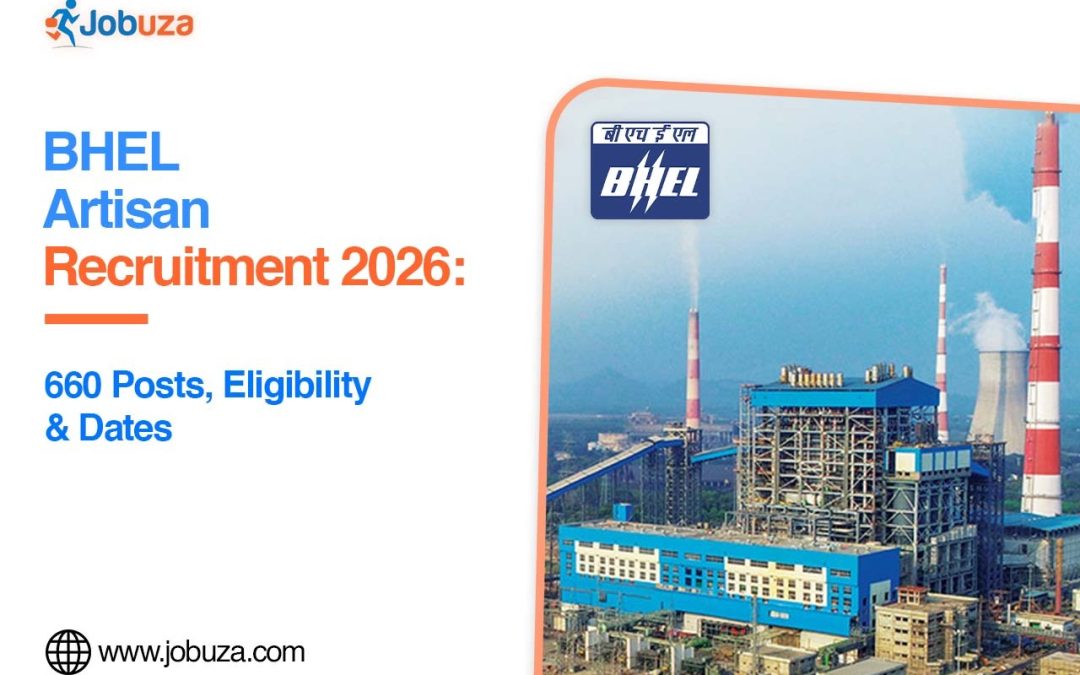
Bharat Heavy Electricals Limited (BHEL) has announced 660 vacancies for Artisan Grade IV posts under its 2026 recruitment drive. The recruitment is open to eligible candidates with Class 10, ITI, and National Apprenticeship Certificate (NAC) qualifications in the relevant trade. The notification covers multiple technical trades, including Fitter, Welder, Turner, Machinist, and Electrician.
Candidates interested in a technical job with a public sector company should check the eligibility requirements, trade-wise vacancies, age limits, and selection procedure before applying. The online application window is scheduled to open on October 21, 2026, and close on November 18, 2026. The computer-based examination is tentatively scheduled for December 11, 2026. Candidates should confirm the latest instructions on the official BHEL recruitment portal before submitting their applications.
BHEL Artisan Recruitment 2026: Overview
| Particulars |
Details |
| Organisation |
Bharat Heavy Electricals Limited (BHEL) |
| Post Name |
Artisan Grade IV |
| Advertisement Number |
01/2026 |
| Total Vacancies |
660 |
| Application Mode |
Online |
| Qualification |
Class 10, relevant ITI/NTC and NAC |
| Application Start Date |
October 21, 2026 |
| Last Date to Apply |
November 18, 2026 |
| Tentative Exam Date |
December 11, 2026 |
| Job Location |
Various BHEL manufacturing units |
| Official Website |
careers.bhel.in |
BHEL Artisan Recruitment 2026: Important Dates
Candidates should keep track of the following dates to avoid missing the application deadline.
| Event |
Date |
| Short notification |
October 13, 2026 |
| Online application begins |
October 21, 2026, at 10:00 AM |
| Last date to apply |
November 18, 2026, at 11:45 PM |
| Computer-based examination |
December 11, 2026 (tentative) |
The examination date is tentative and may change. Candidates should follow the official recruitment portal for updates about the application process, admit cards, and examination schedule.
BHEL Artisan Vacancy 2026: Trade-Wise Details
BHEL has announced 660 Artisan Grade IV vacancies across seven technical trades. The trade-wise distribution is given below.
| Trade Name |
Vacancies |
| Fitter |
278 |
| Welder |
104 |
| Machinist |
101 |
| Electrician |
90 |
| Turner |
52 |
| Electronics Mechanic |
23 |
| Foundryman |
12 |
| Total |
660 |
Fitter has the most vacancies, followed by Welder, Machinist, and Electrician. Candidates should check the detailed notification for the manufacturing-unit-wise distribution and confirm that their qualifications match the trade they select.
BHEL Artisan Recruitment 2026: Eligibility Criteria
Before applying for BHEL Artisan Recruitment 2026, candidates must meet the educational qualification and age requirements prescribed for the post.
Educational Qualification
Candidates are generally required to meet these conditions:
- Pass Class 10 or an equivalent examination.
- Hold a National Trade Certificate (NTC/ITI) in the relevant trade.
- Possess a National Apprenticeship Certificate (NAC) in the same trade.
- Meet the minimum marks requirement specified in the notification.
The reported minimum marks requirement is 60% in the relevant ITI/NTC and NAC qualifications for General, EWS, and OBC (NCL) candidates. For SC/ST candidates, the reported requirement is 55%. Candidates should verify the exact trade-specific conditions in the official advertisement before applying.
Age Limit
The reported upper age limits are calculated as of October 1, 2026.
| Category |
Upper Age Limit |
| General/EWS |
27 years |
| OBC (Non-Creamy Layer) |
30 years |
| SC/ST |
32 years |
Age relaxation may be available for eligible categories, including persons with disabilities and ex-servicemen, subject to BHEL’s recruitment rules. Applicants should read the official notification for the applicable relaxation conditions and supporting documents.
BHEL Artisan Recruitment 2026: Salary Details
The recruitment offers a salary structure linked to the Artisan Grade IV position. According to recruitment information published about the drive, selected candidates are expected to receive approximately ₹24,000 per month during the initial one-year period, followed by the regular pay scale of ₹29,500–₹65,000, subject to the terms and conditions of appointment.
The final salary, allowances, benefits, and service conditions should be confirmed from the official notification. Candidates should also check whether the initial appointment period has any specific conditions before accepting an offer.
BHEL Artisan Recruitment 2026: Application Fee
The reported application fee is as follows:
| Category |
Application Fee |
| General/OBC/EWS |
₹1,072 |
| SC/ST/Ex-Servicemen/PwD |
₹472 |
Candidates should confirm the applicable fee, payment method, and any exemptions in the official notification and online application portal before making payment.
BHEL Artisan Recruitment 2026: Selection Process
The selection process is expected to include the following stages, as specified in the recruitment instructions:
- Computer-Based Test (CBT): Candidates appear for the prescribed online examination.
- Skill Test: Shortlisted candidates may need to demonstrate trade-related skills, according to the notified selection scheme.
- Document Verification: Educational certificates, trade qualifications, category certificates, and other required documents are checked.
- Medical Examination: Candidates must meet the applicable medical fitness requirements, where prescribed.
Candidates should read the detailed advertisement carefully, as the official selection rules govern the qualifying conditions and the weight given to each stage.
How to Apply for BHEL Artisan Recruitment 2026
Eligible candidates can follow these steps when online registration opens:
- Visit the official BHEL Careers portal.
- Open the Artisan Grade IV recruitment notice under Advertisement No. 01/2026.
- Read the detailed notification and check the trade-wise and unit-wise vacancies.
- Register using the required details and complete the online application form.
- Enter personal, educational, and contact information accurately.
- Upload the required certificates, photograph, and signature in the prescribed format.
- Pay the applicable application fee, if required.
- Review the application carefully and submit it before the deadline.
- Save or print the confirmation page for future reference.
Candidates should note that the recruitment information indicates that applicants may apply for only one manufacturing unit. Check the notification for the exact unit-selection restrictions before finalising the application.
Important Official Links
If the PDF or application page does not open directly, visit the BHEL Careers portal and locate the Artisan recruitment notice. Use the official website to verify the notification, application dates, fee, and eligibility requirements.
Final words
BHEL Artisan Recruitment 2026 is an opportunity for candidates with relevant ITI and apprenticeship qualifications to pursue a technical career with Bharat Heavy Electricals Limited. The recruitment covers 660 vacancies across seven trades, with Fitter accounting for the largest share. Before applying, candidates should carefully review the official notification, age criteria, trade requirements, application fee and manufacturing-unit options. Submit the application within the prescribed dates and keep a copy of the confirmation for future reference.
FAQs
- How many vacancies are available in BHEL Artisan Recruitment 2026?
BHEL has announced 660 Artisan Grade IV vacancies across seven trades.
- What is the qualification for BHEL Artisan posts?
Candidates are generally required to have passed Class 10 and hold the relevant ITI/NTC qualification and a National Apprenticeship Certificate (NAC), subject to the detailed notification.
- What is the last date to apply for BHEL Artisan Recruitment 2026?
The reported last date for online applications is November 18, 2026, at 11:45 PM.
- What is the age limit for BHEL Artisan Grade IV posts?
The reported upper age limit is 27 years for General/EWS candidates, 30 years for OBC (NCL) candidates, and 32 years for SC/ST candidates, calculated as of October 1, 2026.
- What is the selection process for BHEL Artisan Recruitment 2026?
The selection process is expected to include a computer-based examination, skill test where applicable, document verification, and medical examination as prescribed by BHEL.
- Where can candidates apply online?
Candidates should use the official BHEL Careers portal to access the recruitment notice and online application.
by Jobuza Team | Oct 19, 2026 | BLOG, Trending News
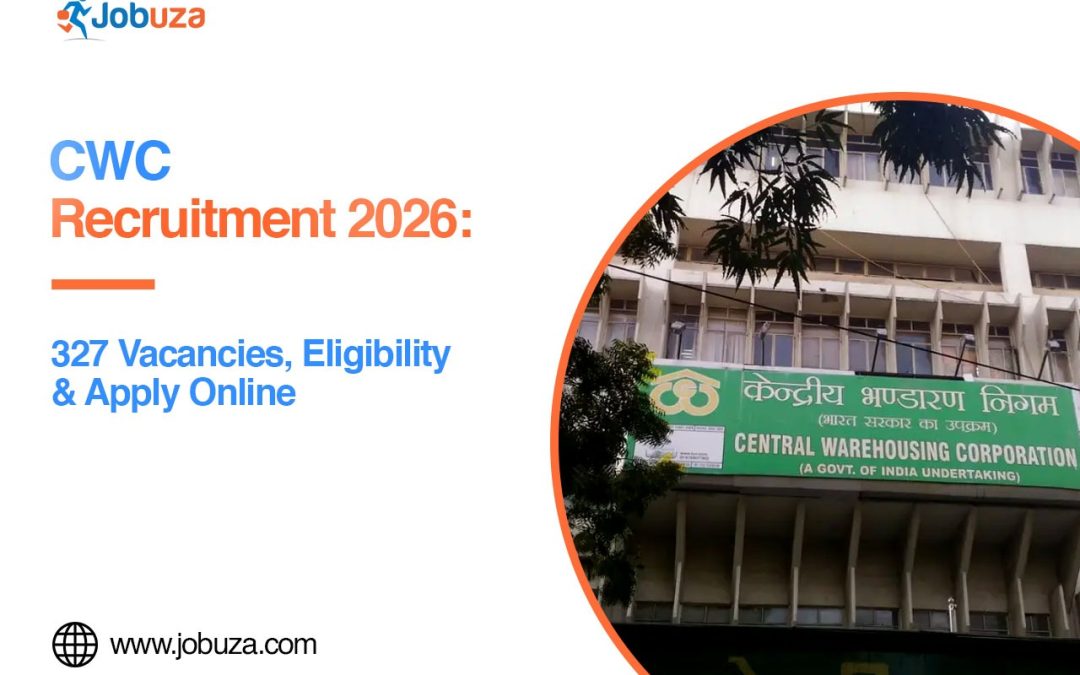
The Central Warehousing Corporation (CWC) has announced a recruitment drive for 327 Assistant Manager and Junior Executive posts in 2026. The vacancies cover several departments, including General, Technical, Finance, Civil Engineering, Electrical Engineering, and Mechanical Engineering.
Candidates interested in government jobs can check the CWC Recruitment 2026 notification to find out whether they meet the eligibility requirements. The online application process reportedly started on 17 October 2026, and eligible candidates can apply until 15 November 2026.
Before submitting the CWC online application form, candidates should review the post-wise vacancy details, educational qualifications, age limit, and selection process. Here is a complete overview of Central Warehousing Corporation Recruitment 2026, including important dates, eligibility criteria, and the steps to apply online.
CWC Recruitment 2026: Highlights
| Particulars |
Details |
| Organisation |
Central Warehousing Corporation (CWC) |
| Recruitment year |
2026 |
| Advertisement number |
CWC/I-Manpower/DR/Rectt/2026/01 |
| Total vacancies |
327 |
| Posts |
Assistant Manager and Junior Executive |
| Disciplines |
General, Technical, Finance, Civil, Electrical and Mechanical |
| Application mode |
Online |
| Application start date |
17 October 2026 |
| Last date to apply |
15 November 2026 |
| Official website |
https://cewacor.nic.in/ |
| Recruitment portal |
https://www.cwceportal.com/careers |
CWC Vacancy 2026: Post-Wise Details
CWC Recruitment 2026 includes 327 reported vacancies for Assistant Manager and Junior Executive positions. The posts cover different professional fields, giving eligible candidates an opportunity to apply according to their qualifications and experience.
| Post Name |
Vacancies |
| Assistant Manager (General) |
70 |
| Assistant Manager (Technical) |
60 |
| Assistant Manager (Finance) |
10 |
| Assistant Manager (Engineering – Civil) |
22 |
| Assistant Manager (Engineering – Electrical) |
5 |
| Assistant Manager (Engineering – Mechanical) |
4 |
| Junior Executive (General) |
78 |
| Junior Executive (Technical) |
78 |
| Total |
327 |
Candidates should check the official CWC recruitment notification for the final vacancy distribution, category-wise reservations, and any post-specific requirements before applying.
CWC Recruitment 2026: Eligibility Criteria
Candidates applying for CWC Recruitment 2026 must meet the eligibility conditions specified for their chosen position. These requirements may differ for Assistant Manager and Junior Executive posts, particularly across technical, finance, and engineering departments.
Educational Qualification
The required educational qualification depends on the post. Candidates should check the official notification for the exact degree, subjects, and professional qualifications accepted for their preferred role.
- Assistant Manager (General): Applicants must meet the educational requirements prescribed for the General post.
- Assistant Manager (Technical): Candidates must have the relevant technical or subject-specific qualification mentioned in the notification.
- Assistant Manager (Finance): Applicants should possess the required finance, accounting, or related qualification.
- Assistant Manager (Engineering): Candidates must meet the prescribed engineering qualification for Civil, Electrical, or Mechanical Engineering.
- Junior Executive (General): Applicants must fulfil the educational requirements listed for the General position.
- Junior Executive (Technical): Candidates must have the science or technical qualification specified in the official advertisement.
The exact qualification requirements, minimum marks,s and any additional conditions should be confirmed from the official CWC notification. Meeting the educational criteria alone may not be sufficient if the post has other eligibility requirements.
Age Limit
The age limit for CWC Recruitment 2026 depends on the post and the rules specified in the official advertisement. Candidates should check the minimum and maximum age requirements and the prescribed cut-off date before submitting their application.
Age relaxation may be available to eligible candidates belonging to reserved categories or other groups covered by the recruitment rules. Applicants claiming relaxation should review the relevant conditions and keep the required supporting documents ready.
CWC Recruitment 2026: Important Dates
Candidates planning to apply for CWC Assistant Manager or Junior Executive posts should keep track of the application schedule.
| Event |
Date |
| Online applications begin |
17 October 2026 |
| Last date to submit application |
15 November 2026 |
| Last date for fee payment |
15 November 2026 |
| Examination date |
To be announced |
The reported last date to apply online for CWC Recruitment 2026 is 15 November 2026. Candidates should complete their registration and fee payment well before the deadline and check the official website for updates regarding the examination date and admit card.
CWC Selection Process 2026
The selection process for Central Warehousing Corporation Recruitment 2026 may vary according to the post. Candidates should read the official notification to understand the selection stages applicable to their chosen position.
The process may include an online examination, document verification, and an interview wherever required under the recruitment rules. The applicable examination pattern and syllabus should be checked in the official advertisement or subsequent notices. Candidates should prepare according to the prescribed selection criteria and ensure that their educational certificates and other documents are available for verification.
How to Apply Online for CWC Recruitment 2026
Eligible candidates can follow these steps to complete the CWC Recruitment 2026 online application process:
- Visit the official CWC recruitment portal
- Look for Advertisement No. CWC/I-Manpower/DR/Rectt/2026/01.
- Read the recruitment notification carefully and check the eligibility criteria for your preferred post.
- Open the online application link provided for the recruitment.
- Complete the registration process using the required details.
- Fill in the CWC application form with accurate personal and educational information.
- Upload your photograph, signature, and other required documents in the prescribed format.
- Pay the application fee, if applicable, using the available online payment method.
- Review all the details before submitting the form.
- Save or print the final application confirmation and payment receipt, if applicable.
Candidates should ensure that all information matches their official documents before submitting the CWC online application form. Use only the official recruitment portal and follow the instructions provided in the notification.
Documents to Keep Ready
Before starting the CWC online process, candidates should check the official instructions and prepare the documents required for their post and category.
These may include:
- Recent photograph and signature
- Educational certificates and mark sheets
- Valid identity proof
- Category or reservation certificate, if applicable
- Professional qualification or experience certificates, if required
- Other supporting documents mentioned in the official notification
Candidates should follow the specified file formats, document sizes, and upload instructions to avoid problems during the application process.
Final words
CWC Recruitment 2026 offers 327 reported vacancies for Assistant Manager and Junior Executive posts across various departments. Interested candidates should check the eligibility criteria, educational qualifications, and selection process before applying. Complete the CWC online application form before the reported deadline of 15 November 2026. For the latest updates on CWC vacancy 2026, application fees, examination dates and recruitment requirements, visit the official Central Warehousing Corporation recruitment portal.
FAQs
How many vacancies are available under CWC Recruitment 2026?
CWC Recruitment 2026 has reported 327 vacancies for Assistant Manager and Junior Executive posts across different departments.
- What is the last date to apply for CWC Recruitment 2026?
The reported last date to submit the online application is 15 November 2026. Candidates should confirm the deadline on the official recruitment portal.
- Which posts are available under CWC Recruitment 2026?
The recruitment includes Assistant Manager posts in General, Technical, Finance, and Engineering streams, along with Junior Executive posts in General and Technical disciplines.
- What is the educational qualification for CWC Recruitment 2026?
The educational qualification varies by post. Candidates should check the official notification for the required degree, subjects, minimum marks, and professional qualifications.
- How can I apply online for CWC Recruitment 2026?
Candidates can visit https://www.cwceportal.com/careers, open the relevant recruitment advertisement, and complete the online application before the deadline.
by Jobuza Team | Sep 28, 2026 | BLOG, Trending News
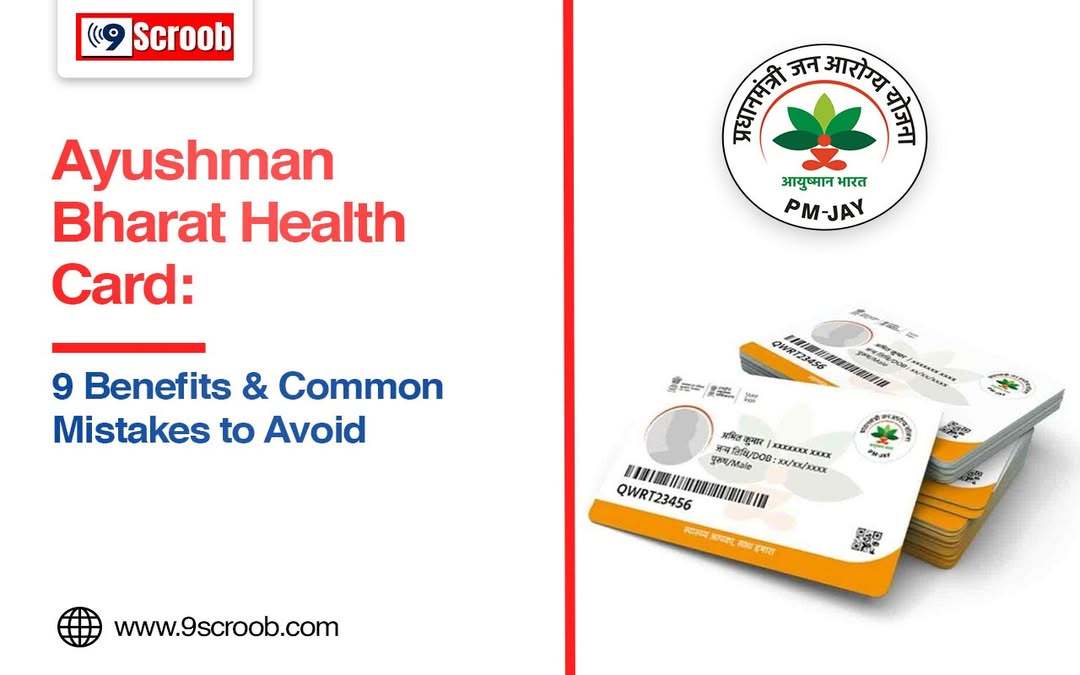
Hospital bills can be heavy on a family, especially when someone needs to be admitted or has to go through a big procedure. The Ayushman Bharat health card can ease some of that burden for eligible families.
Under the Ayushman Bharat Pradhan Mantri Jan Arogya Yojana (AB PM-JAY), an eligible family gets health cover of up to ₹5 lakh every year for covered hospital treatment. You get cashless treatment at empanelled hospitals. But holding the card does not mean every medical cost will be paid. Here are the main benefits, and the mistakes people often make.
9 Important Benefits of the Ayushman Bharat Health Card
Here are some best benefits of ayushman bharat health card that you can avail for easy treamtment in big hospitals
- Up to ₹5 Lakh Cover
Your family can get up to ₹5 lakh of cover every year for covered hospital treatment. This amount is shared by the whole family. Any eligible member can use it, depending on who needs treatment.
- Cashless Treatment
At empanelled hospitals, you can get covered treatment without paying from your pocket. Still, ask the hospital before admission whether your treatment is covered under the scheme.
- No Limit on Family Size
The scheme does not limit how many people in an eligible family can be covered. There is no age or gender limit either. This is a big help for large families.
- Old Health Problems Are Covered
Pre-existing diseases are covered from the very first day, as per the scheme’s rules and exclusions. You do not need to wait for months or years before your treatment is covered.
- Works Across India
You can use the card at an empanelled hospital in any state. So if you are travelling or staying somewhere else for a while, you can get covered treatment there. You do not have to go back home for it.
- Costs Before and After Hospital Stay
Some costs before and after your hospital stay are covered too. Under the standard rules, this means up to three days before admission and 15 days after discharge. What exactly is covered depends on the treatment package.
- Many Costs Are Included
A package can include medicines, tests, room charges, surgeon fees and other services. But not everything is covered in every case, so check your package first.
- Government and Private Hospitals
You can use the card at both government and private hospitals, as long as they are empanelled under PM-JAY. Check whether the hospital is still on the list before you plan your treatment.
- Help in Emergencies
There is a process for emergencies too. If you do not have your ID with you at that moment, you may still get emergency treatment. The hospital will tell you which documents you need to show later.
Common Mistakes to Avoid
- Not checking if the hospital is empanelled: Make sure the hospital is officially part of the scheme before you take treatment.
- Thinking everything is covered: Only the treatments listed in approved packages are covered. Some services and costs are left out.
- Paying without asking questions: If the hospital asks for extra money, ask what it is for and whether it falls outside the package.
- Not knowing your package: Before admission, find out which package applies to you and what it includes.
- Forgetting your documents: Keep your Ayushman card and ID with you so there is no delay in verification.
- Trusting agents or unofficial websites: Never share your personal or card details with strangers. Use only official government sources for information.
- Thinking the ₹5 lakh has no limit: This is a yearly amount for the whole family, and it covers only eligible services.
- Not asking about exclusions: Ask the hospital’s Ayushman desk if any part of your treatment is not covered.
- Keeping quiet about a problem: If you face trouble or feel you were charged wrongly, use the official PM-JAY complaint system.
What to Remember
The Ayushman Bharat health card is a big help when an eligible family needs covered hospital treatment. But it is just as important to know how the scheme works. Before treatment, check that the hospital is empanelled, find out if your procedure is covered, understand your package and keep your documents ready. For the latest details, go only to official PM-JAY or National Health Authority sources.
FAQs
- What is the Ayushman Bharat health card?
It is a card given under AB PM-JAY. You use it to get health benefits at empanelled hospitals.
- How much health cover do I get?
An eligible family gets up to ₹5 lakh every year for covered hospital treatment.
- Can I use the card in another state?
Yes. The scheme works across India, so you can get covered treatment at empanelled hospitals in other states too.
- Are pre-existing diseases covered?
Yes. They are covered from day one, as per the scheme’s rules and exclusions.
- Does every hospital accept the Ayushman card?
No. Only hospitals empanelled under the scheme accept it. Check the hospital’s current status before treatment.
by Jobuza Team | Sep 15, 2026 | BLOG, Trending News
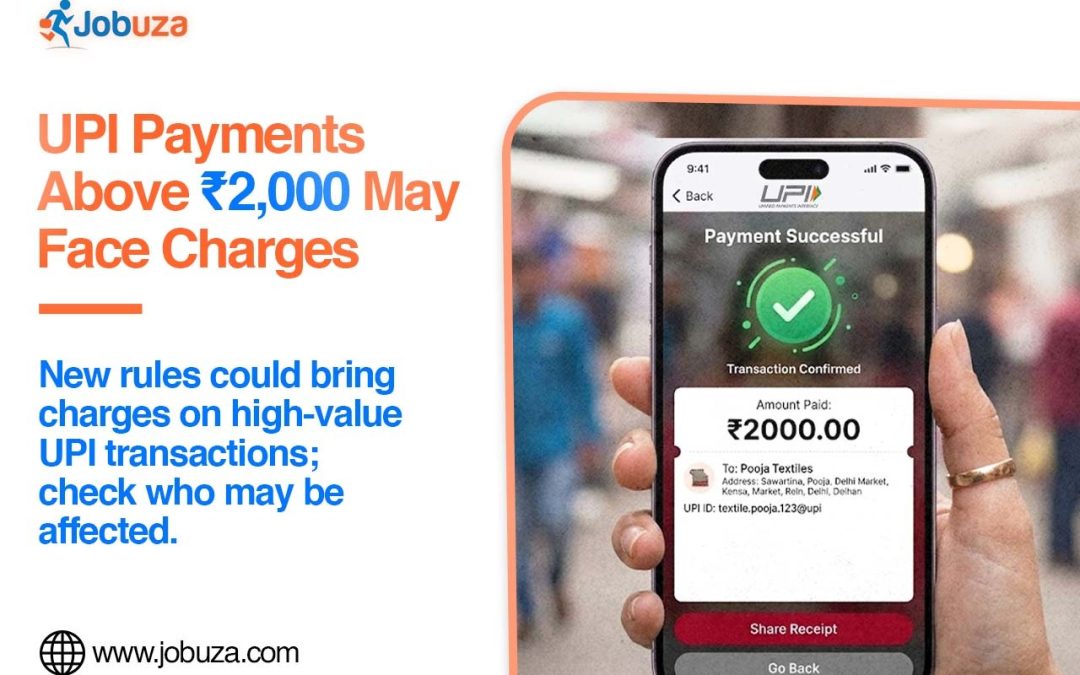
NEW DELHI: UPI payments above Rs 2,000 could attract charges in the future, while transactions up to the specified limit will continue to remain free for users. The government has directed banks and payment service providers not to charge customers for transactions made through UPI or RuPay debit cards up to Rs 2,000.
The move gives a statutory basis to keep digital payments free for users within the specified transaction limit.
Will UPI Payments Above Rs 2,000 Attract Charges?
Under the new framework, UPI transactions above Rs 2,000 may attract a Merchant Discount Rate (MDR). MDR is a fee charged by banks or payment service providers to merchants for processing digital payments.
However, the government has not yet announced the final MDR rate for such transactions.
According to sources, the rate could be in the range of 0.25% to 0.4% of the transaction value. The final rate and the transactions on which it will apply are expected to be clarified by the government.
UPI Payments Up to Rs 2,000 Will Remain Free
For customers, UPI payments up to Rs 2,000 will continue to remain free under the new arrangement. The same applies to payments made through RuPay debit cards within the specified limit.
The government has also indicated that any MDR introduced for higher-value transactions would be limited to certain merchant payments. The proposed rate is expected to be nominal and significantly lower than the MDR generally associated with debit and credit card transactions.
What About UPI Person-to-Person Payments?
Person-to-Person (P2P) UPI transactions will continue to be free.
This means users transferring money directly to another person through UPI will not have to pay a transaction fee. The proposed MDR would primarily concern eligible merchant transactions above the specified threshold.
What Does This Mean for UPI Users?
For most everyday UPI users, there may be little immediate impact. Small payments within the Rs 2,000 limit will continue to be free.
However, people making higher-value payments to merchants may need to check whether a fee applies once the government announces the final MDR structure. The actual impact will depend on the transaction type, merchant category and final rules.
UPI Charges Above Rs 2,000: Key Points
| Transaction Type |
Proposed Status |
| UPI payment up to Rs 2,000 |
No customer charge |
| RuPay debit card payment up to Rs 2,000 |
No customer charge |
| UPI merchant payment above Rs 2,000 |
MDR may apply |
| Person-to-person UPI payment |
Remains free |
| Proposed MDR |
Around 0.25% to 0.4%, according to sources |
The key point is that UPI will not suddenly become a paid service for all transactions. The proposed changes are focused on certain merchant transactions above Rs 2,000, while P2P payments and transactions within the specified limit will remain free.